
Storage
Admin level users can access and monitor storage usage through the Storage control panel.
Monitoring Storage
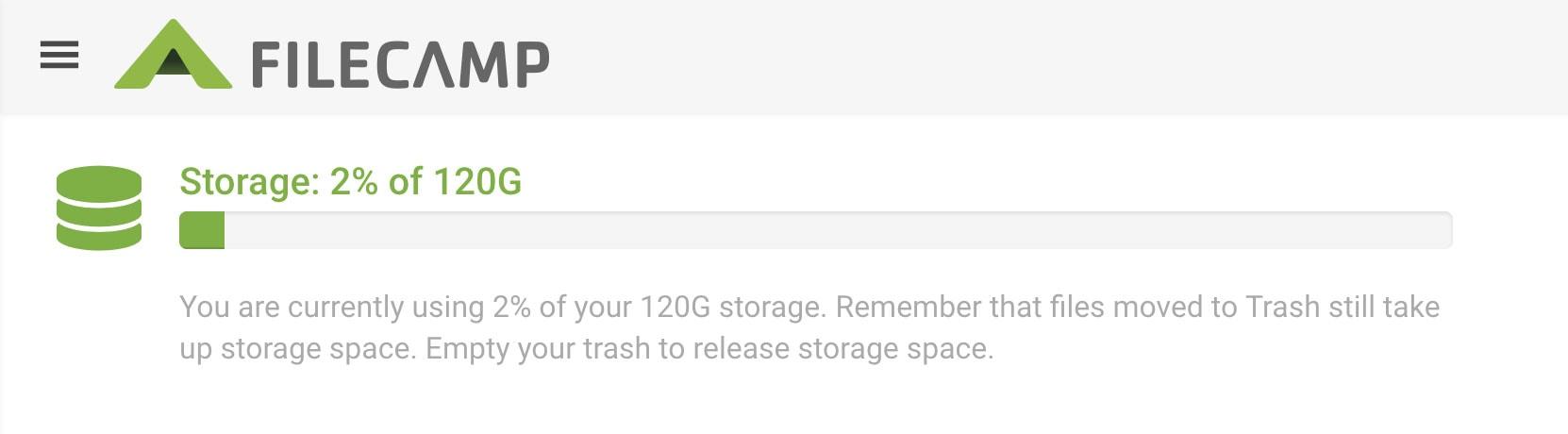
Navigate to Admin > Storage from the Main menu  in the top left corner. On the Storage overview page, you can see how much storage you have used.
Notice: All Administrators will receive an email notification when your account reaches 70%, 80%, and 90% of your storage limit.
More details Storage usage
Below the Storage progress bar you can see how your total storage has been calculated.
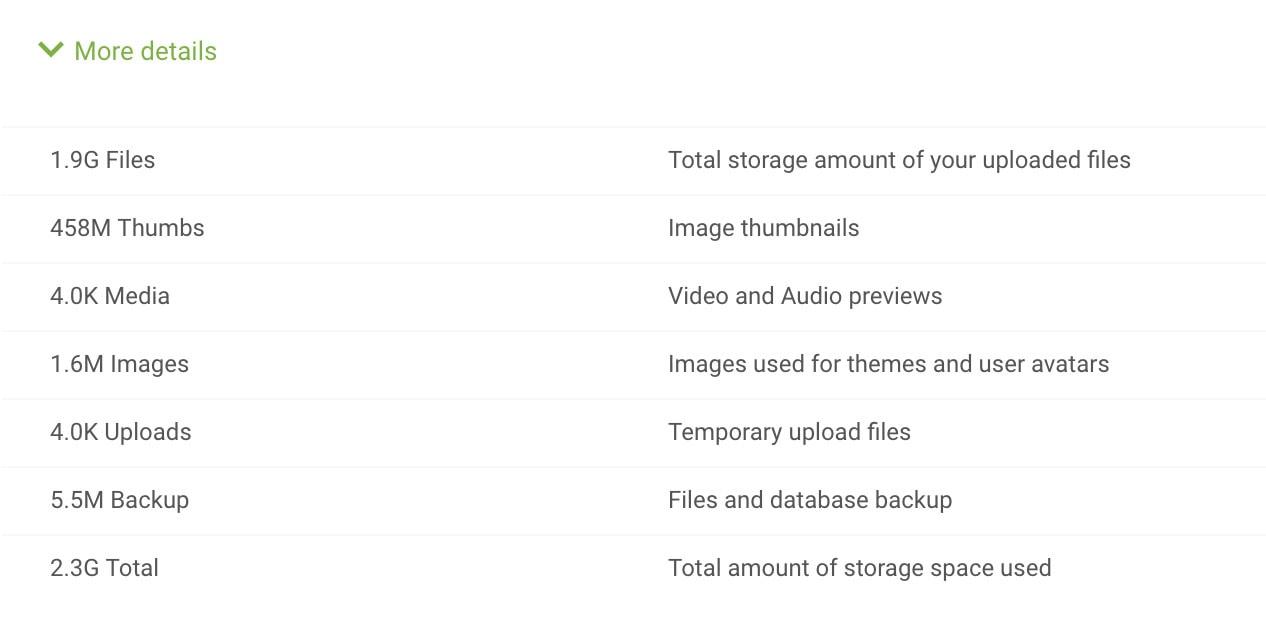
Important: Image thumbnails and previews are automatically generated for in-browser viewing. These files are stored separately from the originals and count towards your total storage usage.
Thumbnails and preview files are generated and removed automatically based on your file activity. They cannot be manually deleted or excluded from storage calculations.
Notice: The used storage amount is calculated daily and also whenever you empty your Trash (maximum one time every 15 minutes).